“Behind every smooth digital solution, there are many failed attempts that clients never see.”
A few days ago, our Team member got a sudden 403 Server Error while working on a WordPress website.
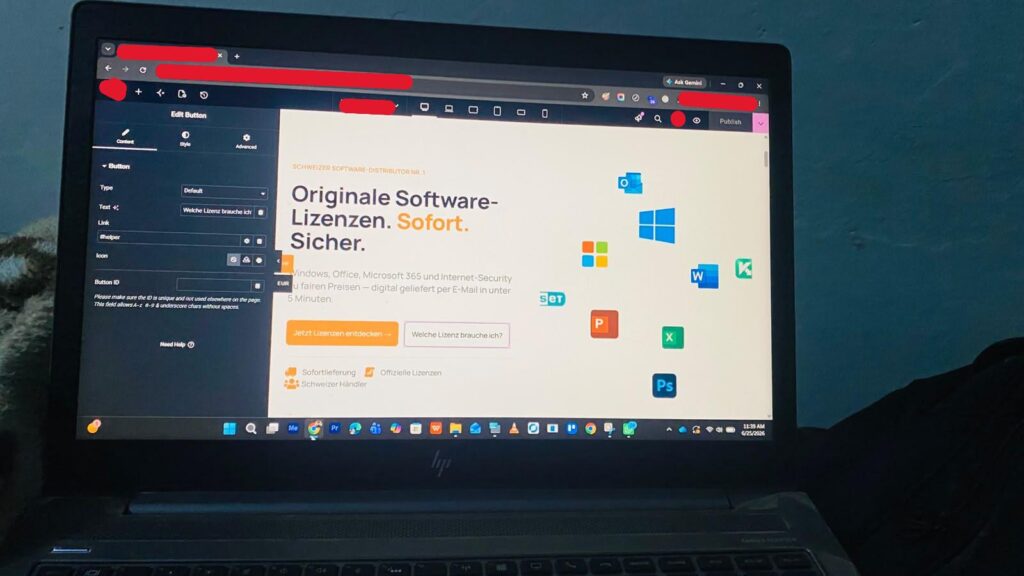
Everything was going smoothly. He was making a routine update in the WordPress admin panel on the staging site (a safe copy of the live website used for testing changes).
He clicked “Publish.”
Suddenly, the screen showed 403 Forbidden Error.
The website refused to publish the changes.
As developers, moments like this always make your heart beat faster. He took a deep breath and started troubleshooting.
Attempt 1: Disabled all plugins and refreshed the page.
Still 403.
Attempt 2: Removed the custom code snippets he had recently added.
Refreshed again.
Still 403.
Attempt 3: Opened the File Manager, checked the “.htaccess” file, and added some corrective rules.
Nothing changed.
At this point, frustration had started kicking in. He had tried almost every trick he knew, but the server kept rejecting him.
Sitting in front of the screen and failing again and again is never a good feeling. Self-doubt comes quickly.
But he decided to try one last thing.
He logged into cPanel and checked ModSecurity.
For those who don’t know, ModSecurity is a security firewall that protects websites from attacks. Sometimes, however, it becomes too strict and blocks legitimate actions as well.
With nothing left to lose, he turned ModSecurity OFF.
He went back to WordPress and refreshed the page one last time.
And there it was.
The page loaded perfectly.
The update was published.
The 403 error was gone.
That feeling of relief was priceless.
Development is rarely a straight path. It’s a process of trying, failing, learning, and trying again.
And when you finally solve the problem, every failed attempt suddenly feels worth it.